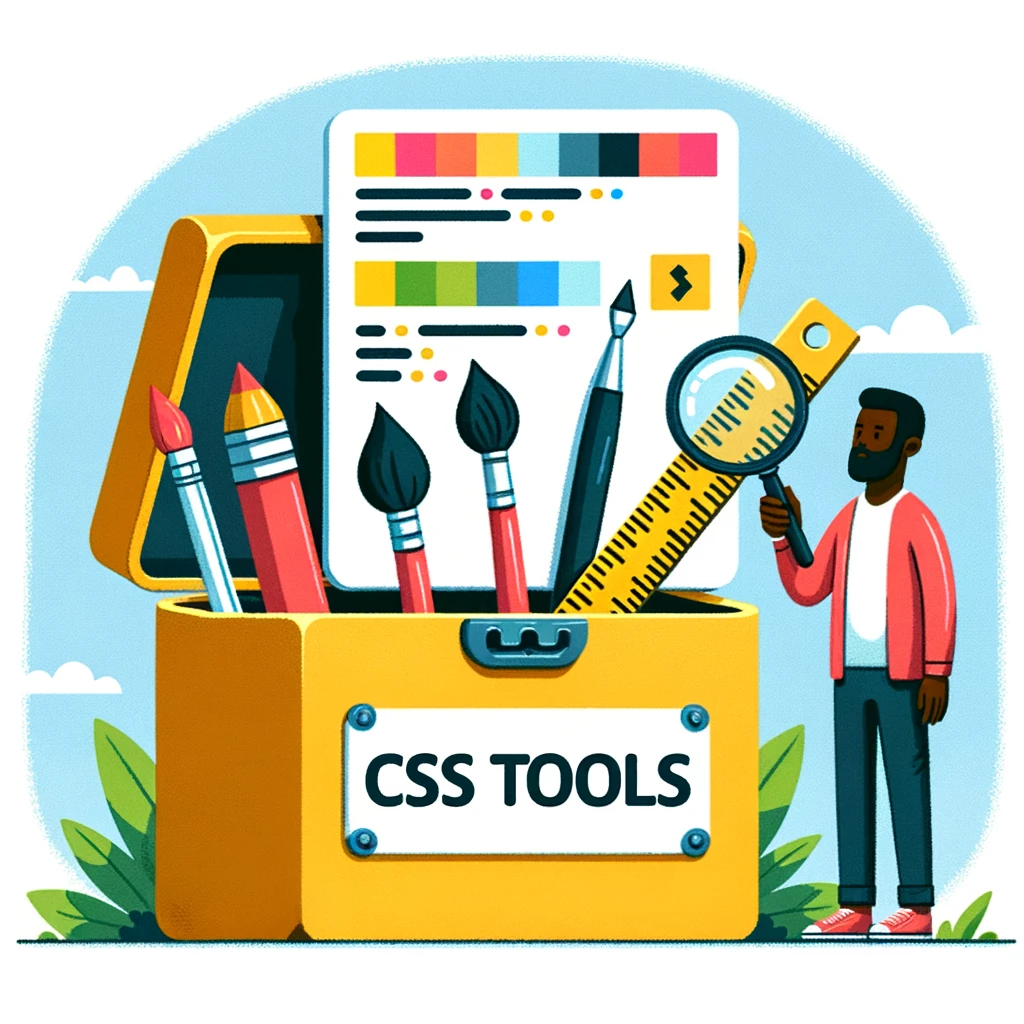
Here’s your guide to the best CSS tools that make styling your website easier. ⚙️💻
1️⃣ CSS Generator: Whether you’re a beginner or an experienced developer, this tool lets you quickly create code for buttons, shadows, gradients and much more without deep CSS knowledge.
2️⃣ Flexbox Froggy: Learn while you play! Flexbox Froggy is an interactive and fun way to master Flexbox by guiding cute little frogs.
3️⃣ CSS Grid Generator: Build complex layouts easily and intuitively. Design grids visually and get ready-made code for your projects.
4️⃣ Animate.css: Just add motion! Animate.css provides a library of animations that are easy to add to any web project.
5️⃣ ColorZilla: Working with colours has never been so easy. ColorZilla is a browser extension that helps you quickly pick and copy colours from any web page.
🔥 Try these tools and turn your development process into pure pleasure!
I’ve found a few useful resources where you can learn about CSS tools:
- CSS-Tricks offers a collection of front-end tools, including CSS tools: text tools, image tools, coding tools (for example, minifiers), colour tools and more.
- Geekflare presents the top 5 CSS tools for web developers and designers. It shows how CSS has evolved over time and how tools make working with it easier.
- KnowledgeHut gives a list of the 30 best CSS tools for web developers in 2023. The list offers solutions for debugging, optimising code and improving your work.
- 1stwebdesigner offers the 10 best CSS tools and web apps for developers, including Scout App, a graphical interface for Sass/Compass that makes it easy to switch to dynamic CSS.
#css #webdesign #frontend #coding #webdevelopment #css3 #designertools #codinglife #ukraine #programming #tools #development