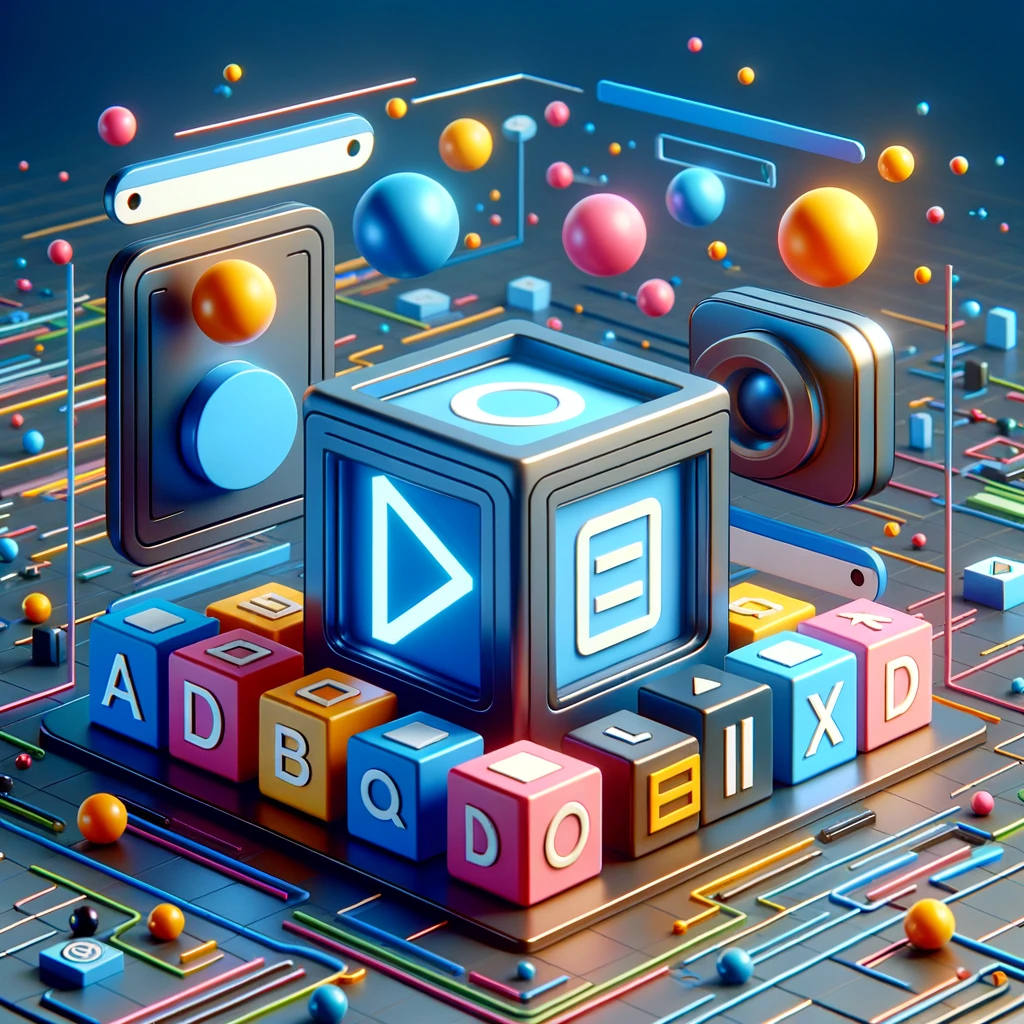
Hi, web enthusiasts! Today we’re talking about multimedia elements in HTML. From video to audio, these elements can completely transform your site, making it more dynamic and engaging!
Multimedia elements in HTML let you embed audio and video files in web pages. To learn more about HTML multimedia elements, I recommend this resource from Naurok (in Ukrainian). There you’ll find information about placing audio and video files on web pages, and about multimedia formats
🎶 Audio elements (<audio>):
- Let you embed sound files right on your page.
- You can control playback with attributes such as
controls,autoplayandloop.
🎬 Video elements (<video>):
- Use
<video>to include video content. - It has attributes similar to
<audio>for controlling playback. - It supports various file formats, such as MP4, WebM and Ogg.
🖼️ Images (<img>):
- The most popular element for adding images.
- It’s important to use the
altattribute for better accessibility and SEO.
🌐 Embedding (<embed> and <object>):
- For embedding external multimedia resources such as PDF files or Flash content (although Flash is obsolete).
#html5 #multimedia #webdevelopment #audioplayer #videoplayer #webdesign #interactivewebsites #htmlcoding #frontenddevelopment #zimin_dev #zimin_dev_blog